// index.js
import scaleUI from 'ui-scaler'
...
scaleUI()
We are going to install and enable the npm package "ui-scaler" in this project.

1. First step: installation

Start by checking if the project uses any package manager (npm, yarn, or pnpm).

If a node package manager is available, install the "ui-scaler" package.

If the project is plain HTML without a bundler, instead add this to the <head> of the HTML file: <script src="https://cdn.jsdelivr.net/npm/ui-scaler@2.4.0/dist/browser-bundle.min.js"></script>

2. Second step: enabling

If the project is plain HTML without a bundler you can bypass this step.

Before enabling the package, determine if the application is client-side (static websites and SPA) or server-side rendered. You can find installation examples for both client and server-side rendered applications at website (https://uiscaler.com/install) if needed.

2.1 Client-side: import and execute the default exported method from "ui-scaler" as "scaleUI" in the application's entry point, such as index.js|ts, main.js|ts, or similar. Place the "scaleUI" execution as last line of the file

2.2 Server-side: inline render the ui-scaler script in the page's header. For that, use the exported utility method "getUiScalerSsrScript" from the "ui-scaler" package to globally add a script tag in the application header. The script tag should contain the returned result of "getUiScalerSsrScript".

3. Third step: check style dependencies

For "ui-scaler" to properly work, all sizing and placement styles must be defined in rem (font-sizes, paddings, margins, widths, heights, etc). Verify if that is the case for this project, and in case it is not, ask the user to confirm whether all applicable styles should be converted to the respective rem values, considering 16px=1rem.

4. Fourth step: verify content-security-policy

This step is only applicable for server-side usage: In case the "getUiScalerSsrScript" has been used and the project has a content-security-policy, output the following instruction: "After installing ui-scaler in your SSR app, open the page: the CSP error in the browser console shows the hash for your configured options. Add it to script-src, and update it whenever you upgrade ui-scaler or change its options"

5. Fifth step: size validation

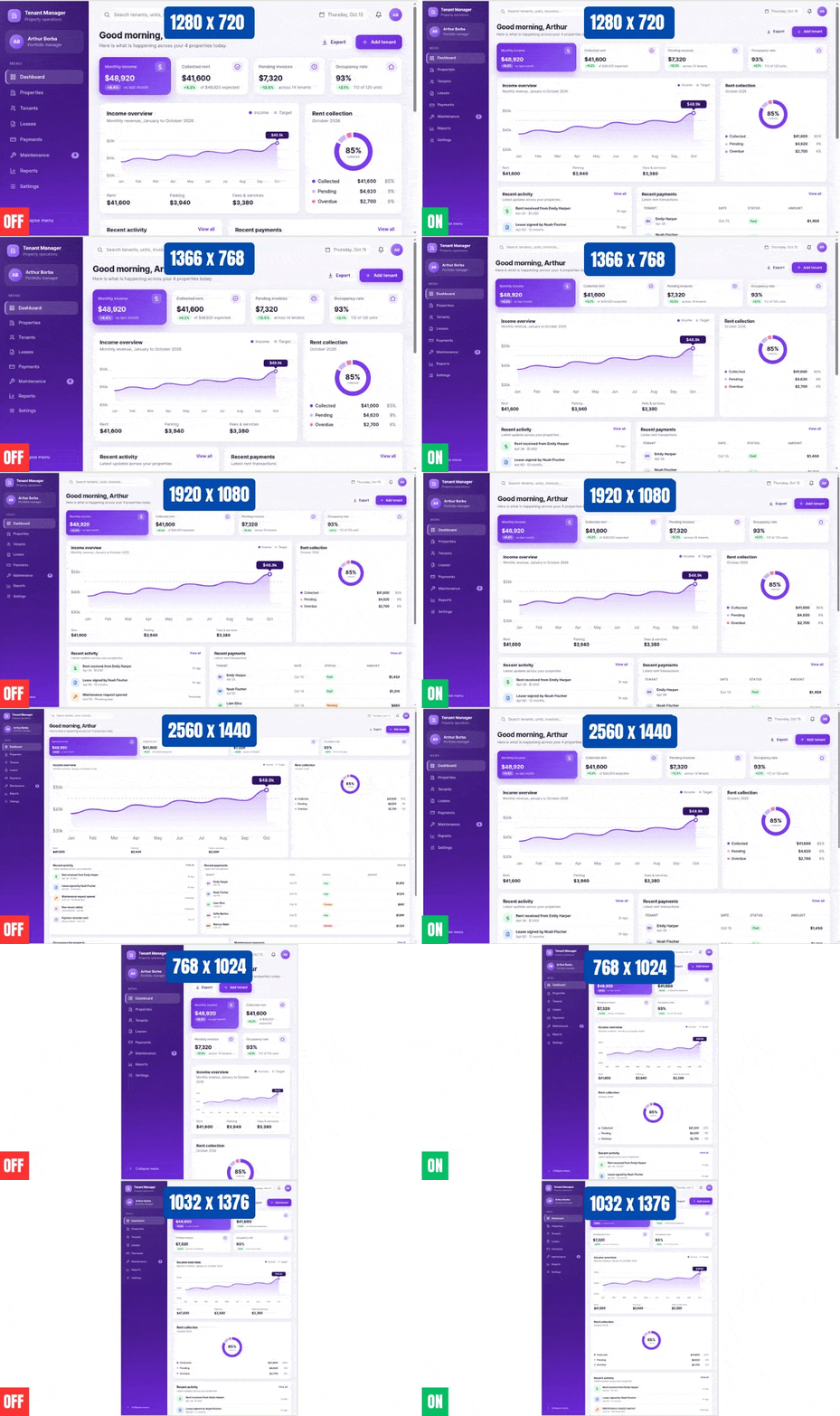
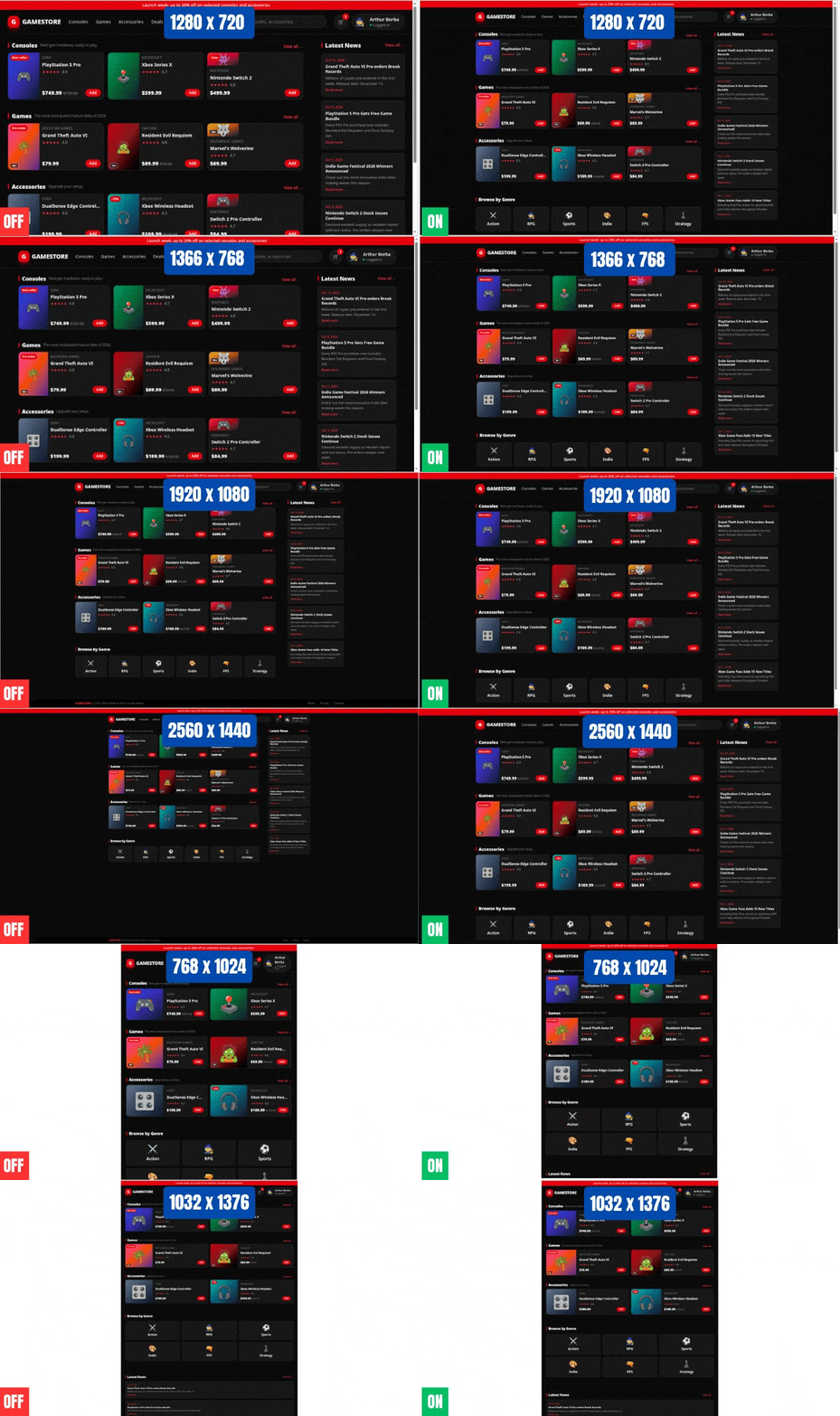
"ui-scaler" can receive a few customization options (https://uiscaler.com/options). After applying it in a pre-existing project, it might be necessary to adjust the "baseFontSize" customization option, that defaults to 16. If elements are looking too small with the package installed, inform that "baseFontSize" can be increased for a global sizing adjustment. If elements are looking too large with the package installed, inform that "baseFontSize" can be reduced.


%20--%3e%3csvg%20version='1.1'%20id='Layer_1'%20xmlns='http://www.w3.org/2000/svg'%20xmlns:xlink='http://www.w3.org/1999/xlink'%20x='0px'%20y='0px'%20viewBox='0%200%20512%20512'%20style='enable-background:new%200%200%20512%20512;'%20xml:space='preserve'%3e%3cg%3e%3cg%3e%3cg%3e%3cpath%20d='M256,0C114.618,0,0,114.618,0,256s114.618,256,256,256s256-114.618,256-256S397.382,0,256,0z%20M256,469.333%20c-117.818,0-213.333-95.515-213.333-213.333S138.182,42.667,256,42.667S469.333,138.182,469.333,256S373.818,469.333,256,469.333%20z'/%3e%3cpath%20d='M228.418,134.248c-8.331-8.331-21.839-8.331-30.17,0c-8.331,8.331-8.331,21.839,0,30.17L289.83,256l-91.582,91.582%20c-8.331,8.331-8.331,21.839,0,30.17c8.331,8.331,21.839,8.331,30.17,0l106.667-106.667c8.331-8.331,8.331-21.839,0-30.17%20L228.418,134.248z'/%3e%3c/g%3e%3c/g%3e%3c/g%3e%3cg%3e%3c/g%3e%3cg%3e%3c/g%3e%3cg%3e%3c/g%3e%3cg%3e%3c/g%3e%3cg%3e%3c/g%3e%3cg%3e%3c/g%3e%3cg%3e%3c/g%3e%3cg%3e%3c/g%3e%3cg%3e%3c/g%3e%3cg%3e%3c/g%3e%3cg%3e%3c/g%3e%3cg%3e%3c/g%3e%3cg%3e%3c/g%3e%3cg%3e%3c/g%3e%3cg%3e%3c/g%3e%3c/svg%3e)